Built for iPhone, iPad and Mac
A lists app that gets out of the way.
No account, no sign-in, no subscription, no ads. Your lists live in your own iCloud, so they turn up on your other Apple devices by themselves.
Download on the App Store.Free · iPhone, iPad and Mac · iOS 17 or later · macOS 15 or later · Apple silicon
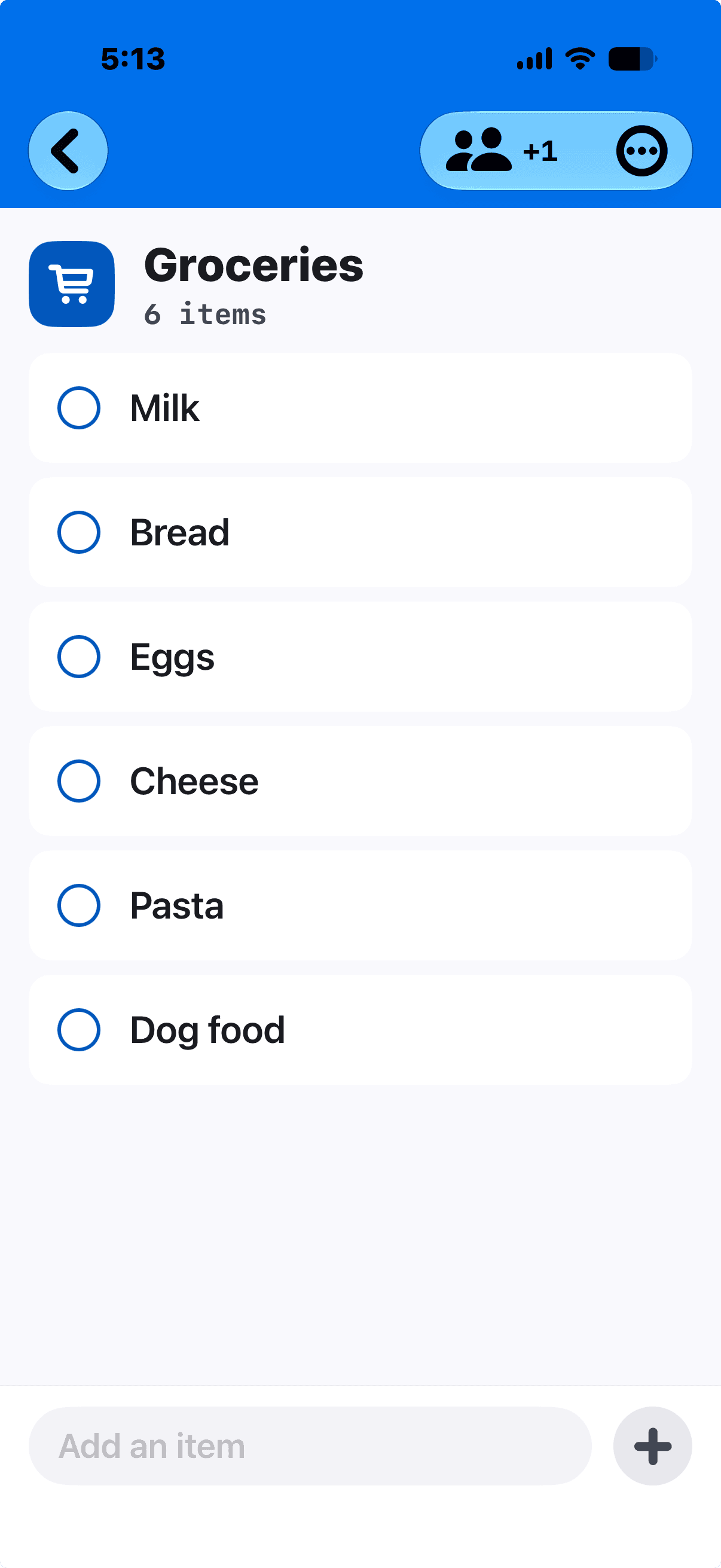
Type, press return, type the next thing.
Adding something takes one tap and no thought. The keyboard stays put, so a list you thought of in one go goes in in one go.
Pin what matters
Pin an item to the top of its list, or a list to the top of the page.
Drag to reorder
Long-press and drag — items within a list, lists on the page.
Tags ride along
Type “Bread #bakery” and filter the list by that tag. There is no separate tag field to manage.
Two kinds of list, because you keep two kinds of list.
One-off
You finish it once.
A packing list, a project. It shows how far along you are, and it can carry a due date.
Ongoing
You keep adding to it.
The shopping list. It never finishes, so there is no progress bar, and the things you tick tuck themselves out of the way.
No bar. Nothing to finish.
A one-off list carries one due date — on the list, not on every item. As it comes closer the date shades from calm to urgent. It is a glance, not a nag: Rapid List never notifies you of anything.
Share a list. Decide what each person can do.
Share any list by email address or mobile number, through iCloud. For each person, choose view only, or add and tick things off — changeable later, and you can remove someone’s access at any time.
Set per person
Two levels, chosen for each person you invite, and changeable whenever you like.
- Can view
- Can add and tick things off
Nobody’s edit goes missing
Everyone sees changes as they happen. Two people can tick different things at the same moment without either edit going missing.
A circle is a named group of people you share with often — Household, Book club. Invite the whole circle to a list in one action instead of typing everyone in again.
Invitation only
There is no public link for anyone who finds it to open. Only the people you invite, and only for as long as you choose.
Your filing is yours.
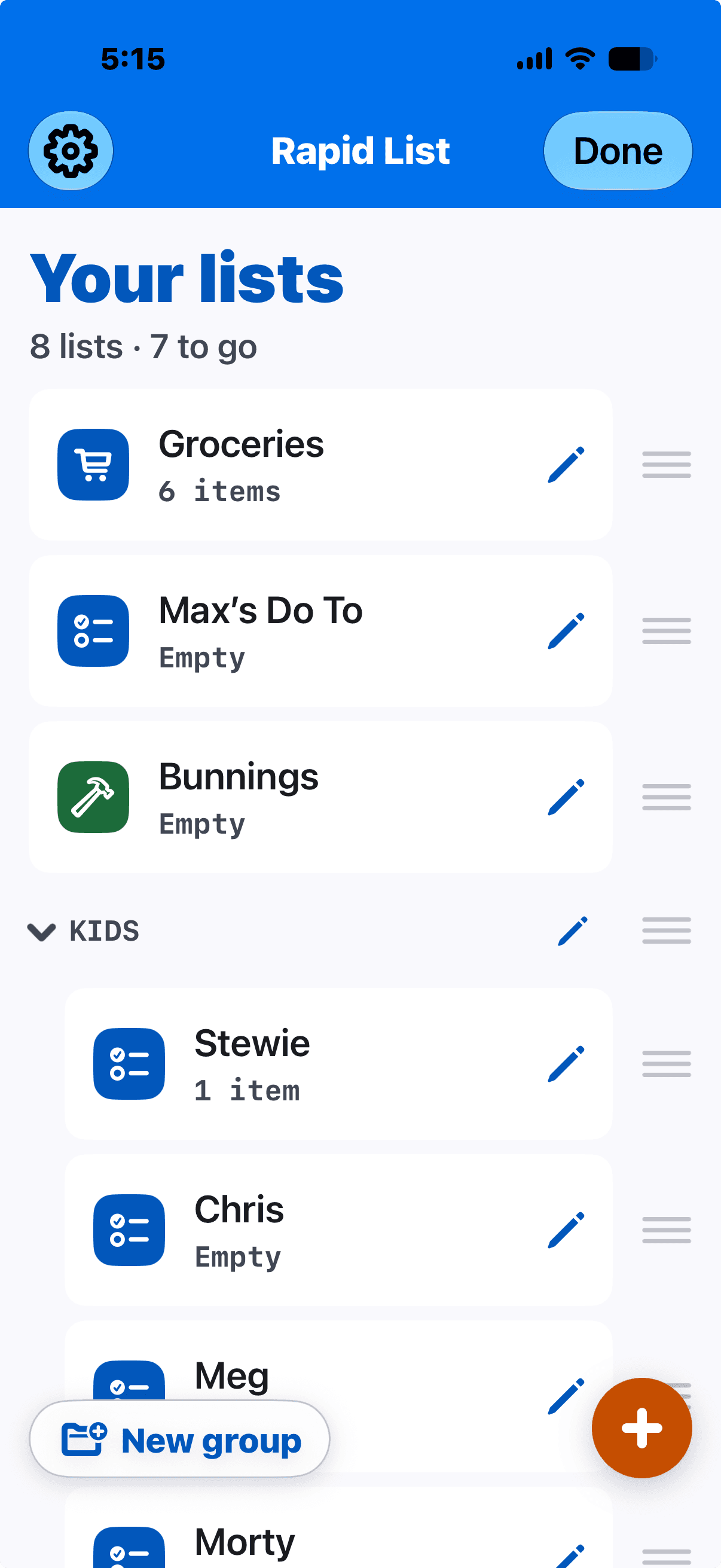
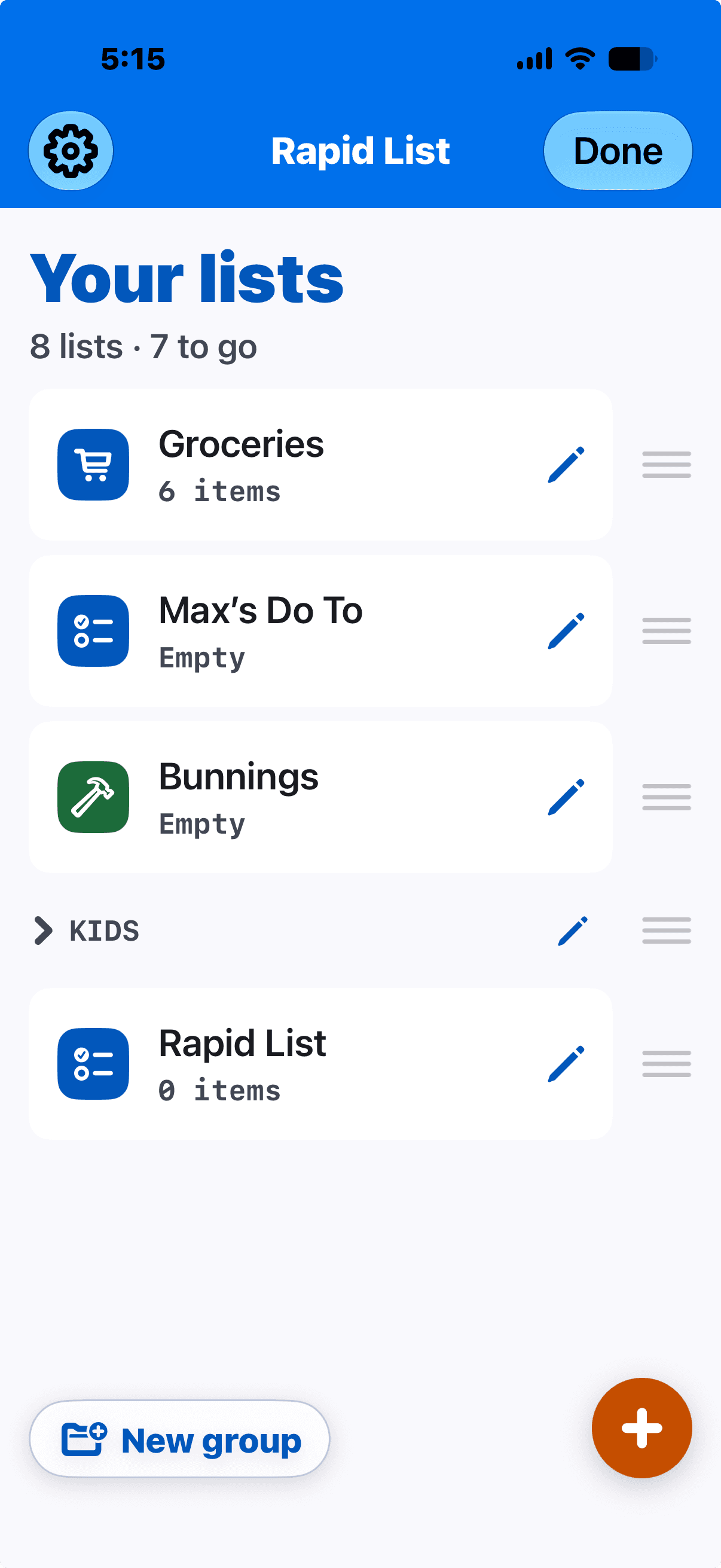
File lists into groups — Kids, Work, Home. They sit as headings with their lists indented underneath, and they fold shut so a long page stays readable.
Share a list out of a group and the person you share with never sees which group it was in, and cannot change it. Filing is personal. It is not part of the list.
Circles are people. Groups are lists. The app keeps those apart, and so do we.
Your lists are plain text. You can take them with you.
Paste a markdown checklist and it becomes a list. Open a .md or .txt from Files and choose Rapid List. Export any list back out as markdown.
The format is deliberately boring. That is the point — your lists open in anything, and they keep working after the app is gone.
# Groceries

- [ ] Milk
- [x] Bread
Your own iCloud
Sync runs through your iCloud account. Talk and Type has no servers, so nothing of ours sits in the middle.
Works offline
Make changes on a plane. They go up when you have signal.
Reinstall and they return
Delete the app, install it again, and your lists come back — they were never only on the phone.
What it doesn’t do, on purpose.
Every one of these is a decision rather than a gap.
No account and no sign-in
Not “sign-in optional”. There is no account to make.
No reminders and no notifications
A due date is shown, not announced. The app never interrupts you and never nudges you back in.
No per-item due dates, no priorities, no sub-tasks
One date, on a one-off list. This is a lists app, not a task manager, and it is trying not to become one.
No ads, no analytics, no tracking, no in-app purchases
Nothing about you is measured, and nothing is sold.
No public share links
Only the people you invite, and only for as long as you choose.
A few more quiet things.
The widget
A home-screen widget shows a list you choose, and you can tick things off without opening the app.
Made yours
Eight colours and a choice of icons. Light, dark, or follow the system.
Built to be used by everyone
Every screen carries VoiceOver labels, and contrast is checked automatically in light and dark on every build — the list screen at the largest accessibility text size too. Tested every build, not audited once.
- Free
- iPhone, iPad and Mac
- iOS 17 or later · macOS 15 or later · Apple silicon
- Your own iCloud
Rapid List is made by Talk and Type — the same people behind the Talk and Type dictation app for Mac.
Download on the App Store.